

Real CKA are Uploaded by Lead1Pass provide 2021 Latest CKA Practice Tests Dumps.
All CKA Dumps and Certified Kubernetes Administrator (CKA) Program Exam Training Courses Help candidates to study and pass the Certified Kubernetes Administrator (CKA) Program Exam Exams hassle-free!
NEW QUESTION 19
A Kubernetes worker node, named wk8s-node-0 is in state NotReady. Investigate why this is the case, and perform any appropriate steps to bring the node to a state, ensuring that any changes are made permanent.
You can ssh to the failed node using:
[student@node-1] $ | ssh Wk8s-node-0
You can assume elevated privileges on the node with the following command:
[student@w8ks-node-0] $ | sudo -i
Answer:
Explanation:
See the solution below.
Explanation
solution
F:\Work\Data Entry Work\Data Entry\20200827\CKA\20 C.JPG
F:\Work\Data Entry Work\Data Entry\20200827\CKA\20 D.JPG
F:\Work\Data Entry Work\Data Entry\20200827\CKA\20 E.JPG
NEW QUESTION 20
Create a namespace called 'development' and a pod with image nginx called nginx on this namespace.
Answer:
Explanation:
See the solution below.
Explanation
kubectl create namespace development
kubectl run nginx --image=nginx --restart=Never -n development
NEW QUESTION 21
From the pod labelname=cpu-utilizer, find podsrunning high CPU workloads and write the name of the pod consumingmost CPU to thefile/opt/KUTR00102/KUTR00102.txt(which already exists).
Answer:
Explanation:
See the solution below.
Explanation
solution

NEW QUESTION 22
Get list of PVs and order by size and write to file "/opt/pvstorage.txt"
Answer:
Explanation:
kubectl get pv --sort-by=.spec.capacity.storage > /opt/pv storage.txt
NEW QUESTION 23
List the nginx pod with custom columns POD_NAME and POD_STATUS
Answer:
Explanation:
kubectl get po -o=custom-columns="POD_NAME:.metadata.name, POD_STATUS:.status.containerStatuses[].state"
NEW QUESTION 24
Create a Job with an image node which prints node version and
verifies there is a pod created for this job
- A. kubectl create job nodeversion --image=node -- node -v
kubectl get job -w
kubectl get pod
YAML File:
apiVersion: batch/v1
kind: Job
metadata:
labels:
job-name: nodeversion
name: nodeversion
spec:
completions: 1
parallelism: 1
labels:
job-name: nodeversion
spec:
containers:
- command:
- node
- -v
image: node
imagePullPolicy: Always
name: nodeversion
restartPolicy: Never - B. kubectl create job nodeversion --image=node -- node -v
kubectl get job -w
kubectl get pod
YAML File:
apiVersion: batch/v1
kind: Job
metadata:
labels:
job-name: nodeversion
name: nodeversion
spec:
completions: 1
parallelism: 1
selector:
matchLabels:
job-name: nodeversion
template:
metadata:
labels:
job-name: nodeversion
spec:
containers:
- command:
- node
- -v
image: node
imagePullPolicy: Always
name: nodeversion
restartPolicy: Never
Answer: B
NEW QUESTION 25
Configure the kubelet systemd- managed service, on the node labelled with name=wk8s-node-1, to launch a pod containing a single container of Image httpd named webtool automatically. Any spec files required should be placed in the /etc/kubernetes/manifests directory on the node.
You can ssh to the appropriate node using:
[student@node-1] $ ssh wk8s-node-1
You can assume elevated privileges on the node with the following command:
[student@wk8s-node-1] $ | sudo -i
Answer:
Explanation:
See the solution below.
Explanation
solution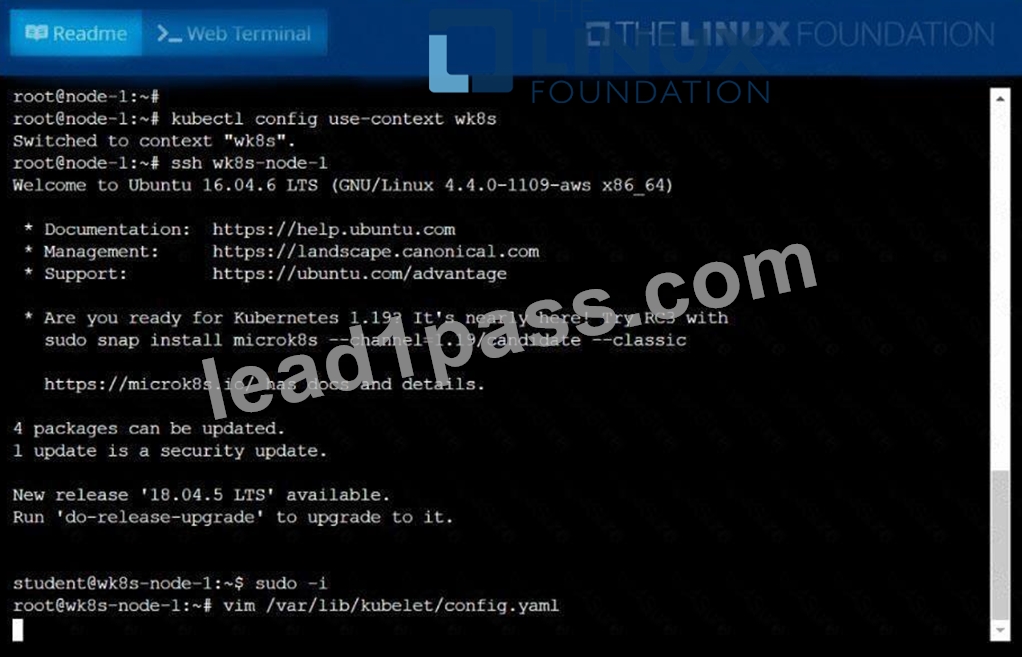


NEW QUESTION 26
Given a partially-functioningKubernetes cluster, identifysymptoms of failure on the cluster.
Determine the node, the failingservice, and take actions to bring upthe failed service and restore thehealth of the cluster. Ensure that anychanges are made permanently.
You cansshto the relevant Inodes (bk8s-master-0orbk8s-node-0) using:
[student@node-1] $ ssh<nodename>
You can assume elevatedprivileges on any node in thecluster with the followingcommand:
[student@nodename] $ | sudo -i
Answer:
Explanation:
See the solution below.
Explanation
solution


NEW QUESTION 27
Create a pod that having 3 containers in it? (Multi-Container)
- A. image=nginx, image=redis, image=consul
Name nginx container as "nginx-container"
Name redis container as "redis-container"
Name consul container as "consul-container"
Create a pod manifest file for a container and append container
section for rest of the images
kubectl run multi-container --generator=run-pod/v1 --image=nginx --
dry-run -o yaml > multi-container.yaml
# then
vim multi-container.yaml
labels:
run: multi-container
name: multi-container
spec:
containers:
- image: nginx
name: nginx-container
- image: redis
name: consul-container
restartPolicy: Always - B. image=nginx, image=redis, image=consul
Name nginx container as "nginx-container"
Name redis container as "redis-container"
Name consul container as "consul-container"
Create a pod manifest file for a container and append container
section for rest of the images
kubectl run multi-container --generator=run-pod/v1 --image=nginx --
dry-run -o yaml > multi-container.yaml
# then
vim multi-container.yaml
apiVersion: v1
kind: Pod
metadata:
labels:
run: multi-container
name: multi-container
spec:
containers:
- image: nginx
name: nginx-container
- image: redis
name: redis-container
- image: consul
name: consul-container
restartPolicy: Always
Answer: B
NEW QUESTION 28
Create a Kubernetes secret as follows:
Name: super-secret
password: bob
Create a pod named pod-secrets-via-file, using the redis Image, which mounts a secret named super-secret at
/secrets.
Create a second pod named pod-secrets-via-env, using the redis Image, which exports password as CONFIDENTIAL
Answer:
Explanation:
See the solution below.
Explanation
solution
F:\Work\Data Entry Work\Data Entry\20200827\CKA\12 B.JPG
F:\Work\Data Entry Work\Data Entry\20200827\CKA\12 C.JPG
F:\Work\Data Entry Work\Data Entry\20200827\CKA\12 D.JPG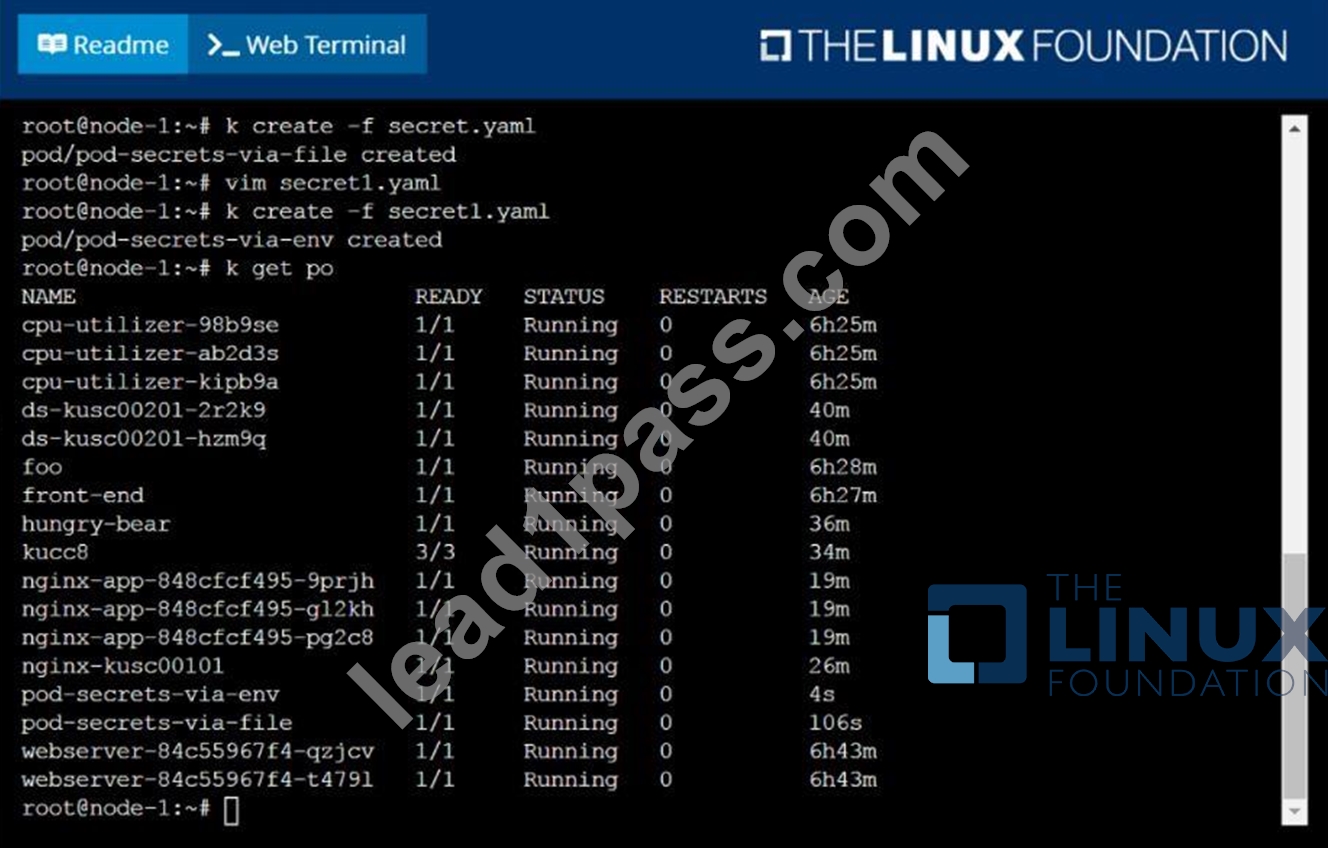
NEW QUESTION 29
Create a pod as follows:
* Name: non-persistent-redis
* container Image: redis
* Volume with name: cache-control
* Mount path: /data/redis
The pod should launch in the staging namespace and the volume must not be persistent.
Answer:
Explanation:
See the solution below.
Explanation
solution


NEW QUESTION 30
Evict all existing pods from a node-1 and make the node unschedulable for new pods.
- A. kubectl get nodes
kubectl drain node-1 #It will evict pods running on node-1 to
other nodes in the cluster
kubectl cordon node-1 # New pods cannot be scheduled to the
node
// Verify
kubectl get no
When you cordon a node, the status shows "SchedulingDisabled" - B. kubectl get nodes
kubectl drain node-1 #It will evict pods running on node-1 to
other nodes in the cluster
// Verify
kubectl get no
When you cordon a node, the status shows "SchedulingDisabled"
Answer: A
NEW QUESTION 31
Create a pod with environment variables as var1=value1.Check the environment variable in pod
- A. kubectl run nginx --image=nginx --restart=Never --env=var1=value1
# then
kubectl exec -it nginx -- env
# or
kubectl exec -it nginx -- sh -c 'echo $var1'
# or
kubectl describe po nginx | grep value1 - B. kubectl run nginx --image=nginx --restart=Never --env=var1=value1
# then
kubectl exec -it nginx -- env
# or
kubectl describe po nginx | grep value1
Answer: A
NEW QUESTION 32
Set the node named ek8s-node-1 as unavailable and reschedule all the pods running on it.
Answer:
Explanation:
See the solution below.
Explanation
solution
NEW QUESTION 33
List all the pods sorted by name
Answer:
Explanation:
kubect1 get pods --sort-by=.metadata.name
NEW QUESTION 34
List all the pods sorted by name
Answer:
Explanation:
See the solution below.
Explanation
kubectl get pods --sort-by=.metadata.name
NEW QUESTION 35
Create 5 nginx pods in which two of them is labeled env=prod and
three of them is labeled env=dev
- A. kubectl run nginx-dev1 --image=nginx --restart=Never --
labels=env=dev
kubectl run nginx-dev2 --image=nginx --restart=Never --
labels=env=dev
kubectl run nginx-dev3 --image=nginx --restart=Never --
labels=env=dev
kubectl run nginx-prod1 --image=nginx --restart=Never --
labels=env=prod
kubectl run nginx-prod2 --image=nginx --restart=Never --
labels=env=prod - B. kubectl run nginx-dev1 --image=nginx --restart=Never --
labels=env=dev
kubectl run nginx-dev2 --image=nginx --restart=Never --
labels=env=dev
kubectl run nginx-prod1 --image=nginx --restart=Never --
labels=env=prod
kubectl run nginx-prod2 --image=nginx --restart=Never --
labels=env=prod
Answer: A
NEW QUESTION 36
......
Valid Way To Pass Linux Foundation's CKA Exam with : https://www.lead1pass.com/Linux-Foundation/CKA-practice-exam-dumps.html
Free Test Engine For Certified Kubernetes Administrator (CKA) Program Exam Certification Exams: https://drive.google.com/open?id=1eqAyVL_fBeM1aHlhkyd0B5XuWB5NlUUO